
Browsing the Marketplace
MaltaGuns brings together listings from private sellers and registered dealers across Malta — from pistols and rifles to reloading kit, militaria, and shooting accessories.
This guide shows you how to navigate the marketplace, narrow your search, and evaluate listings before you get in touch with a seller.
Listings on MaltaGuns are posted by third-party sellers. Always verify details and legal requirements before committing to a purchase.
Getting started
Open the Marketplace from the main navigation. The homepage shows:
Featured listings — highlighted items with extra visibility
Recent listings — the latest items posted on the platform
Category navigation — quick links to firearms and non-firearms sections
You can browse without an account, but you'll need to register or log in to save items to your wishlist or contact sellers.
Firearms vs non-firearms
MaltaGuns separates listings into two main areas:
Firearms — pistols, revolvers, rifles, shotguns, carbines, airguns, ammunition, black powder, replicas, deactivated items, crossbows, and Schedule 1 (automatic) where legally permitted
Non-firearms — airsoft, reloading equipment, militaria, and accessories
Some categories (such as ammunition) may only be available from registered retailers. If you don't see a category, it may be restricted to dealer accounts.
Browse by category
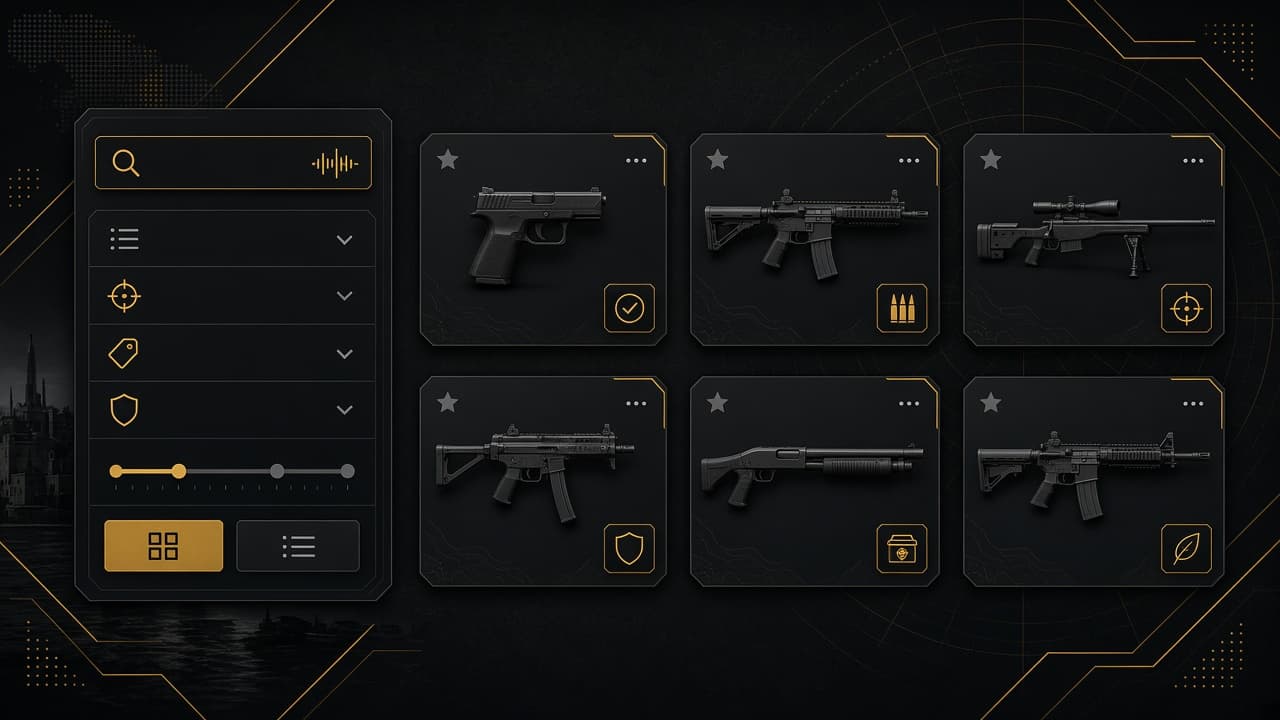
Click a category from the marketplace navigation to see all active listings in that section. Each listing card shows:
Primary photo
Title and price
Category and calibre (where applicable)
Featured badge (if promoted)
Click a card to open the full listing page with the complete description, photo gallery, and seller contact options.
Search for specific items
Use Marketplace Search to find items by keyword — make, model, calibre, or description terms.
Search tips:
Try both common spellings (e.g. "9mm" and "9 mm")
Search by calibre if you know what you're looking for
Use the make and model for specific firearms
Browse the category first, then search within results mentally if the list is short
Reading a listing page
Before contacting a seller, review:
All photos — check condition, included accessories, and serial markings where shown
Full description — condition, round count, modifications, what's included
Price — compare with similar listings; unusually low prices deserve extra caution
Category and calibre — confirm the item matches what you need and what your license allows you to acquire
Seller information — verified sellers display identity and license badges on their profile
Save items with your wishlist
Logged-in users can add listings to a wishlist using the heart icon on listing cards. Your wishlist is saved to your profile so you can track items you're considering and check back when prices drop or new photos are added.
Contacting a seller
When you're interested in an item, use the contact options on the listing page. Be specific in your message:
Confirm the item is still available
Ask any questions the description didn't answer
Propose a viewing at a licensed dealer if you're buying a firearm
Never send payment before you've verified the item and transfer arrangements
Staying safe while browsing
Prefer sellers with verified identity and license badges
Be wary of listings with stock photos, vague descriptions, or prices far below market value
Report suspicious listings using the report option or contact support
Read our safe transactions guide before agreeing to buy
FAQs
Do I need an account to browse?
No. Anyone can view the marketplace. An account is needed for wishlists and contacting sellers.
How often are new listings added?
New listings appear as sellers publish them. Check back regularly or save searches via your wishlist.
Can I buy directly through MaltaGuns?
MaltaGuns is a listing platform. Purchases and legal transfers are arranged between buyer and seller outside the platform, following Maltese law.
What does "featured" mean?
Featured listings are promoted by the seller for extra visibility on the marketplace homepage and category pages.
Always confirm that you are legally permitted to acquire the item under your license before proceeding with a purchase.