
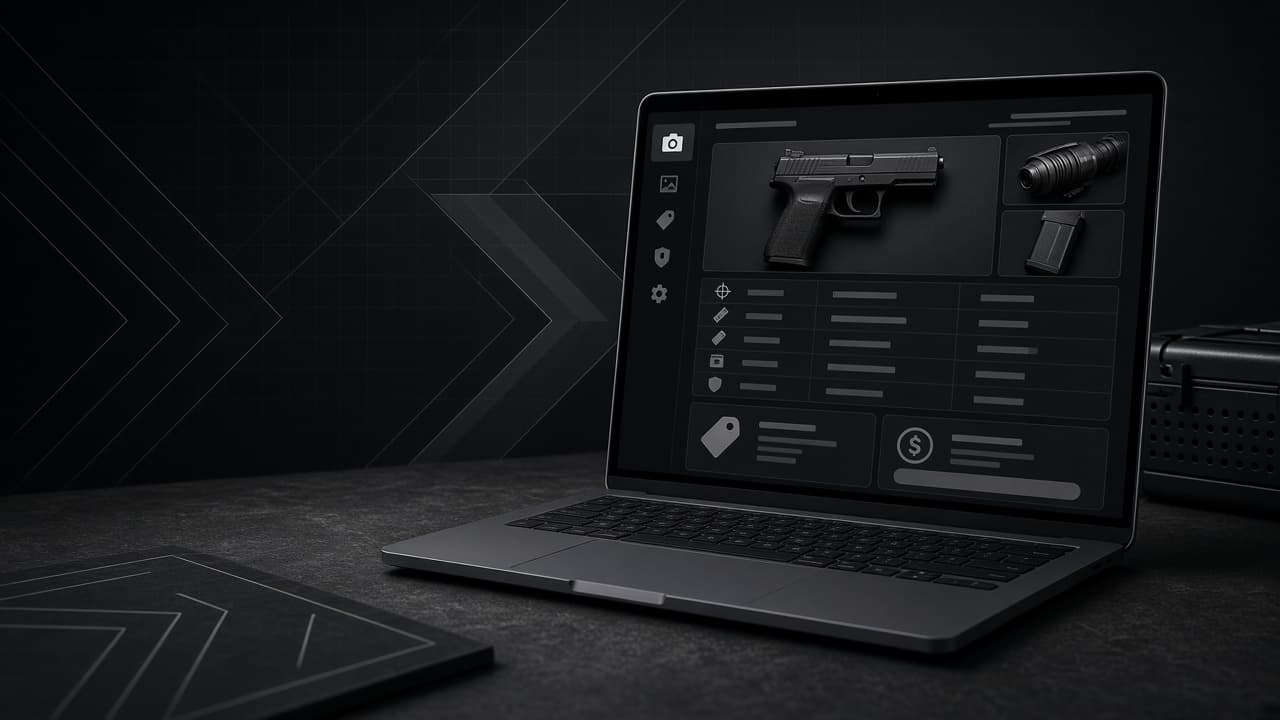
Creating a Listing
Whether you're selling a pistol, a deactivated replica, reloading kit, or shooting accessories, a clear and complete listing helps the right buyers find your item quickly — and keeps you on the right side of Malta's firearms rules.
This guide covers everything from seller verification to writing descriptions and uploading photos.
This guide is general information, not legal advice. You are responsible for ensuring your listing complies with Maltese firearms law and your license conditions.
Before you can list
MaltaGuns requires sellers to meet verification standards before publishing:
All listings: You must be logged in with a verified MaltaGuns account.
Firearms listings: Identity verification and a valid firearms license upload are required. The categories you can list depend on your license type.
Non-firearms listings: Accessories, airsoft, reloading equipment, and militaria have separate requirements — you'll still need account verification to publish.
If you're not yet verified, go to your profile and complete the steps in Seller Status before continuing.
Step 1: Choose your listing type
Go to Create Listing and choose:
Firearms listing — pistols, revolvers, rifles, shotguns, airguns, ammunition, replicas, deactivated items, and related categories allowed by your license
Non-firearms listing — airsoft, reloading, militaria, and accessories
The platform will only show categories your license permits. If a category is greyed out, your current license type does not cover it.
Step 2: Add photos
Good photos sell listings. Aim for at least three clear images:
Primary image: Full item on a neutral background, well lit, in focus
Detail shots: Serial number area (where appropriate), markings, condition wear, included accessories
Context: Original case, documentation, or scope/mounts included in the sale
Upload JPEG, PNG, or WebP files. Set your best photo as the primary image — it's what buyers see in search results.
Do not include people, ammunition loaded in the firearm, or backgrounds that reveal your home address.
Step 3: Write a strong title and description
Title: Include make, model, calibre, and key condition note. Example: Beretta 92FS 9mm — excellent condition, original case
Description: Cover:
Make, model, calibre, and barrel length
Condition (honest assessment — buyers appreciate transparency)
What's included (magazines, case, sights, original paperwork)
Round count or usage history if relevant
Any known defects or modifications
Your preferred contact method
Step 4: Set your price and category
Research similar listings on MaltaGuns to price competitively. Enter your price in euros.
Select the correct category and calibre. Miscategorised listings may be removed and can mislead buyers about legal requirements.
Step 5: Review and publish
Before submitting, you'll see a legal reminder about your responsibilities as a seller. Confirm that:
You legally own the item and are authorised to sell it
The listing is accurate and not misleading
You understand that transfer must follow Maltese law (typically through a licensed dealer or approved process)
Publishing uses a listing credit from your account. Check your credit balance on your profile if prompted.
Tips for listings that sell faster
Respond quickly when buyers message you
Price realistically — overpriced listings sit for months
Be honest about condition — it builds trust and avoids wasted viewings
Feature your listing if you want extra visibility on the marketplace homepage
Renew before expiry — listings have a limited active period
What not to list
MaltaGuns prohibits items that cannot be legally traded in Malta, including unlicensed firearms, prohibited weapons, and items that violate our Prohibited Items policy. When in doubt, check with the Police Weapons Office before listing.
FAQs
How many photos can I upload?
Upload multiple images to show your item properly. The first image you set as primary appears in search results.
Can I edit a listing after publishing?
Yes. Open the listing from your profile and use the edit option to update price, description, or photos.
Does MaltaGuns handle payment or transfer?
No. MaltaGuns is a listing platform. Payment and legal transfer are arranged between buyer and seller following Maltese law. See our guide on safe transactions.
Why can't I select a firearms category?
Your uploaded license type determines which categories you can list. Upload or update your license in your profile.
Always confirm transfer requirements with the Police Weapons Office and a licensed dealer before completing a sale.